
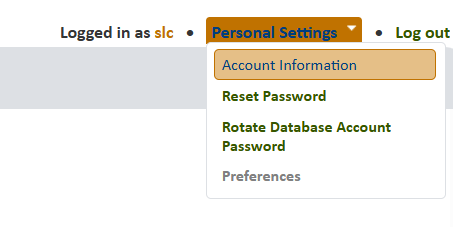
To connect to the Biotics 6 database, you will need to download PgAdmin or another Database access tool of your choice. You will also need database access which can be given to you by your Biotics Administrator. If you have access, you will login with your database username and password which can be found in your Personal Settings > Biotics Account Information:
Once you access the Account Information screen, you will see important database information, including what role you might have. If you don't see any database access information, then you need to request it from your Biotics Admin. If you have Read Access, then you can query the database, but not modify records. If you need to be able to modify data, then you need to have "Power User" access. Please ask your Biotics Admin to add this role for you.
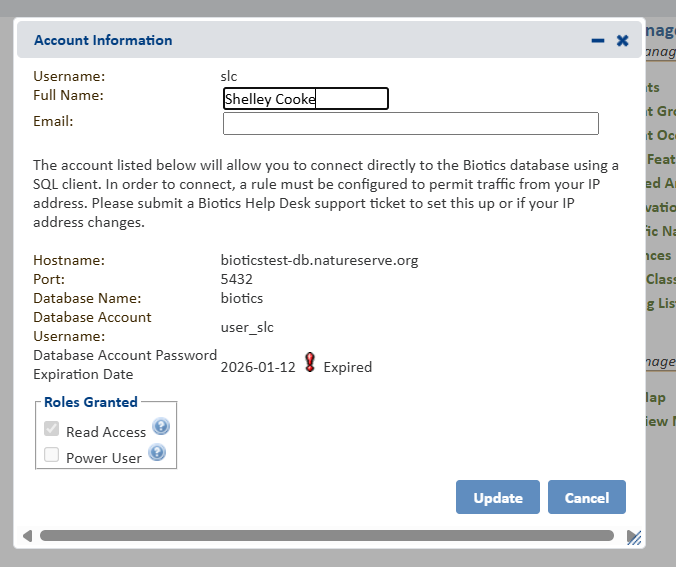
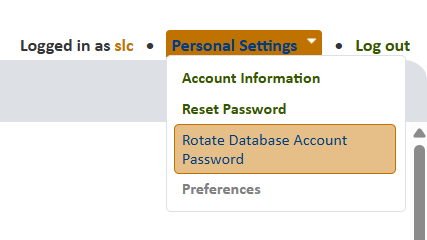
The Account Information screen above shows you the Hostname for your database connection, as well as the database name, and the Username. You will also see the Database Account Password Expiration Date. If you password is Expired, you must generate a new one using the "Rotate Database Access Password" tool in the same Personal Settings menu.
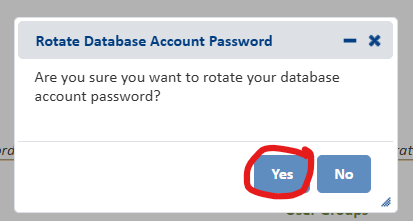
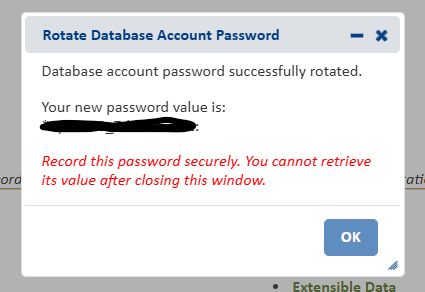
You will receive your new database account password in a window that opens. Save this in a safe place as you will not be able to access this information again"
Now you have everything you need to set up your PG Admin Account:
Download & Connect
- Download the latest version of pgAdmin.
- Within pgAdmin, from the Object menu, select Register, Server.
- Within the Regiser - Server dialog, navigate to the Connection menu and enter the information below, then click Save.:
- Host name/address: use the name listed in your Account Information Page
- Maintenance database: biotics
- Username: (your username) - from your Account Information Page
- Password: (your password) - You should have this saved somewhere or Rotate Database Password for a new one
- Save password?: You can choose to save your password.
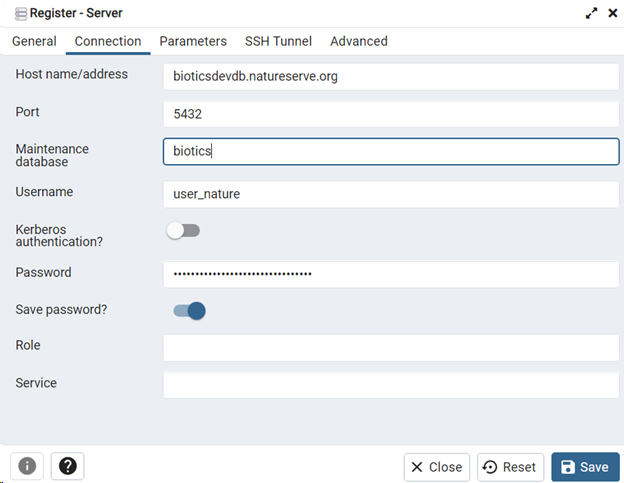
Hit Save and you should be connected to the database!
See https://help.natureserve.org/biotics/#ConnectingToBiotics5/CONN_B6_pgAdmin.htm for more information on using PgAdmin.